Dressmaker help
View and remix a dress
Download a designer’s .dress file and use it as inspiration in Dressmaker. Here’s what works for everyone: view it, photograph it, and rebuild it yourself.
Tap any screenshot to open it at full size.
Step 1: Download the dress you want to start from
Open that dress’s page on Frock Flock and click Download dress. You’ll need to be signed in. Remember where your browser saves the
.dressfile, since you’ll select it in the game.Step 2: Open Photo Mode in Dressmaker
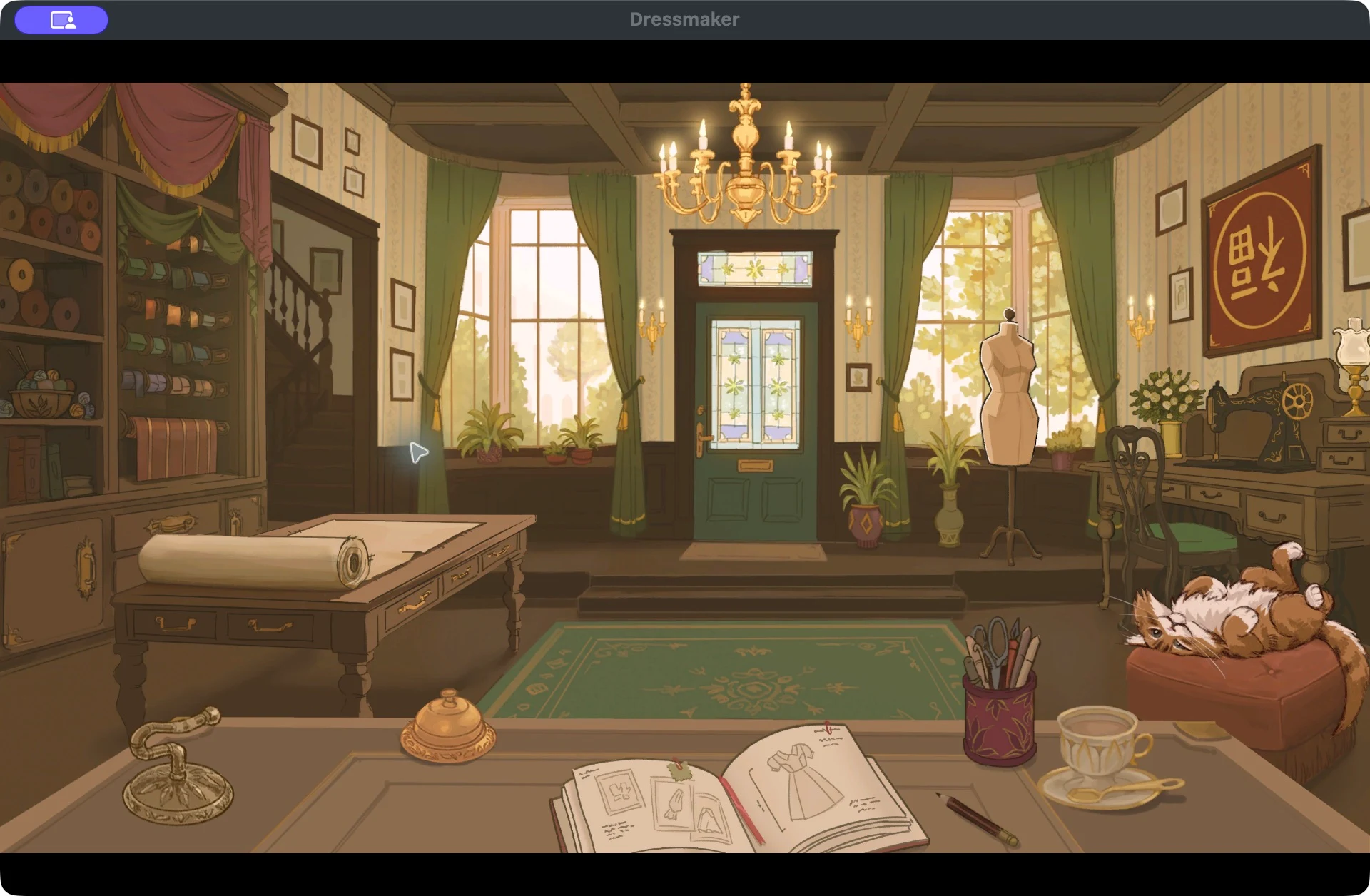
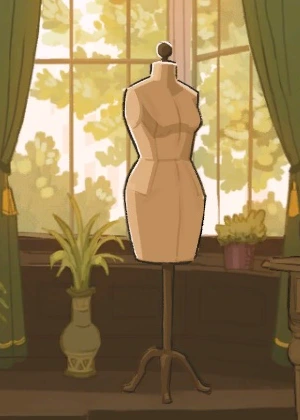
In the workshop, click the mannequin on the right. When your current dress is finished, this opens Photo Mode. See the export guide if you want to save that dress first.
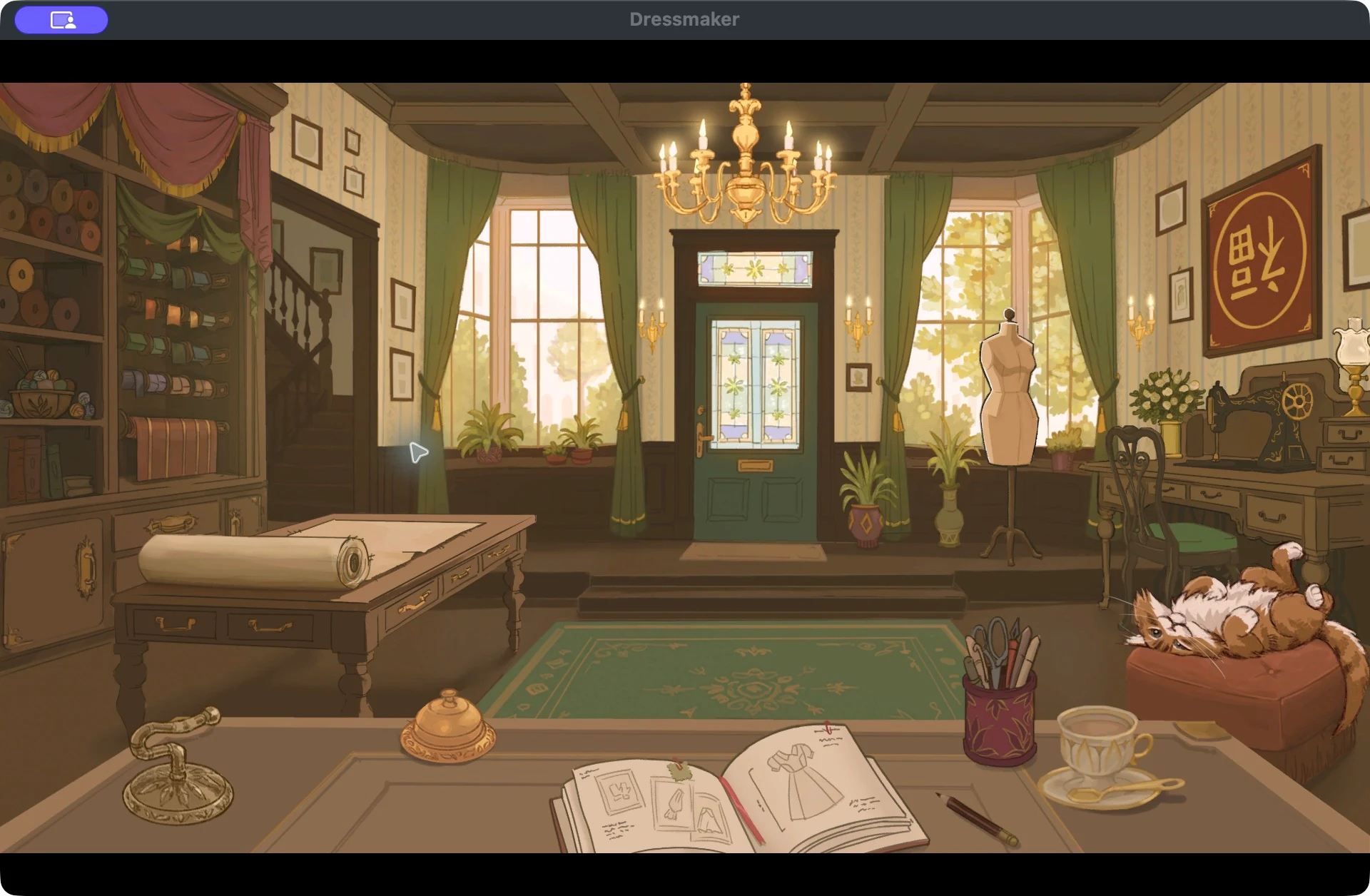
Click the mannequin to reach Photo Mode.Open full size (new tab) 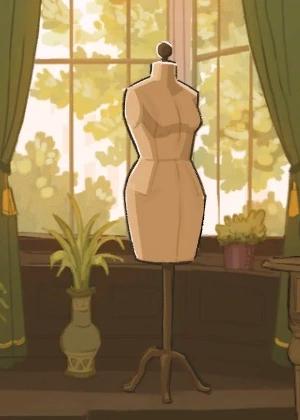
Click here once your current dress is finished.Open full size (new tab) Step 3: Click Import and choose the downloaded file
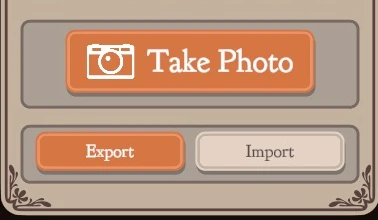
In the bottom-right corner of Photo Mode, click Import, beside Export.
Your computer’s file window opens. Find the
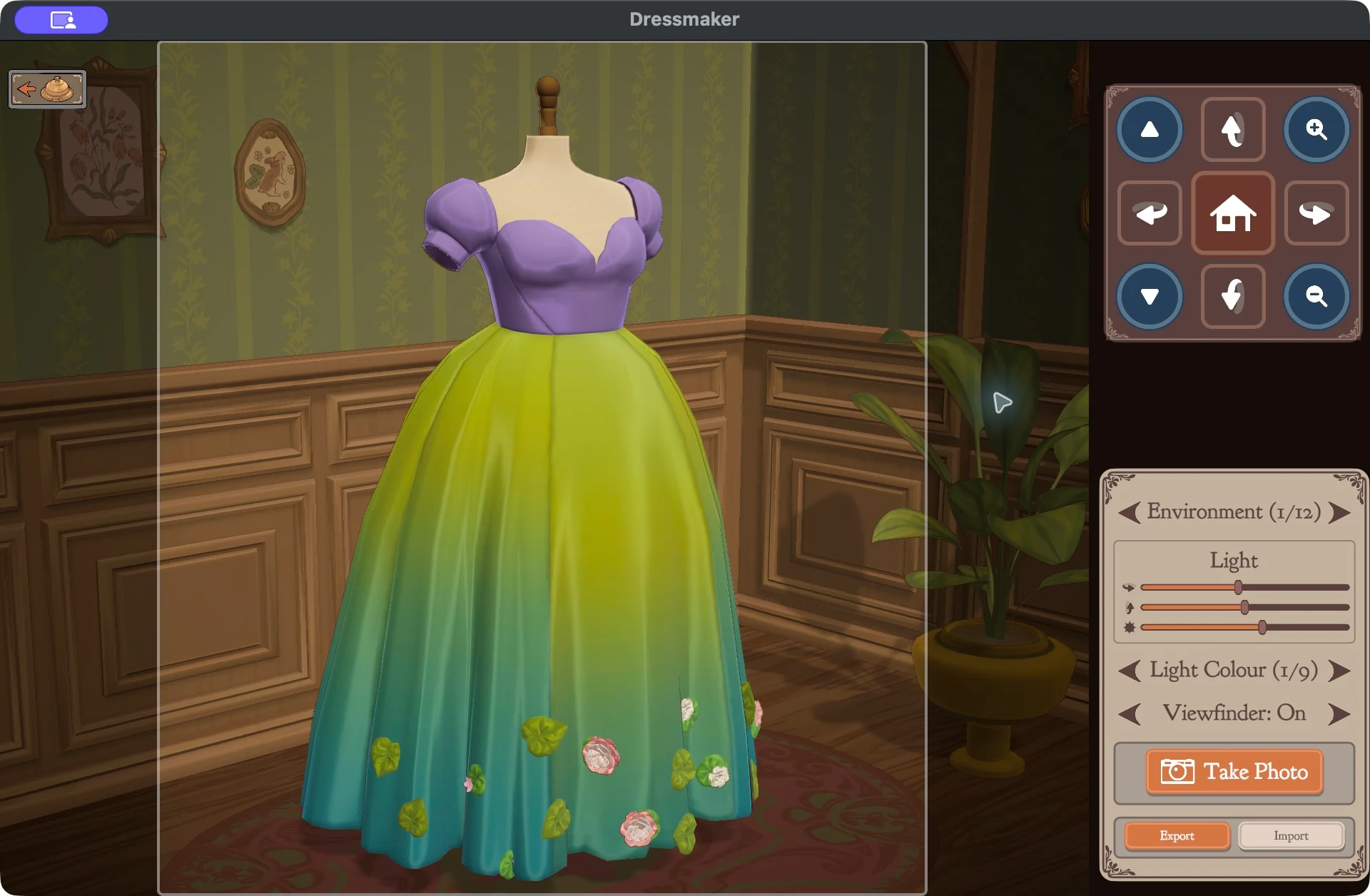
.dressfile you downloaded, select it, and open it. The dress appears on the photo mannequin so you can look at it, take photos or export it again.This is view only. The imported dress does not become your current dress, and your own dress is left as it was.
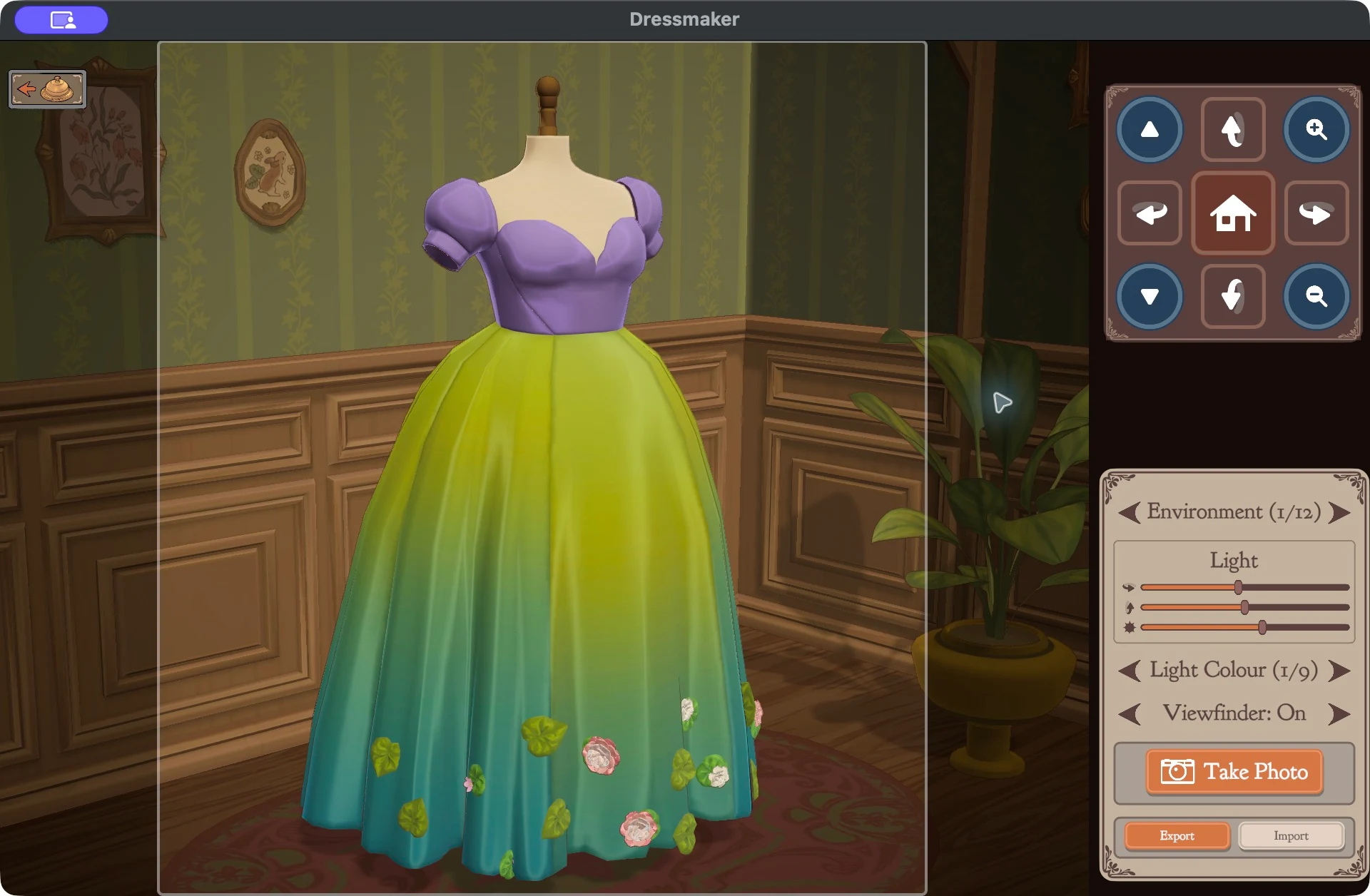
Import is the smaller button beside Export.Open full size (new tab) 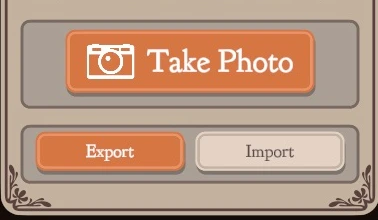
Choose Import, then select the downloaded .dress file.Open full size (new tab) Step 4: Rebuild it in the game using it as a reference
To make your own version, use the photos you took of the imported dress as a reference and build a new dress from scratch in the game. Choose your pattern pieces in the sketchbook, click Draft Pattern, size the mannequin, then cut and sew.
Restart Dress only affects your own dress, not the one you imported. Don’t expect to edit a finished dress in place.
Notes and limits
- Recolouring a dress instantly, swapping the fabric of single panels, or editing every dress intact isn’t something to count on.
- Importing doesn’t check that you own the patterns, fabrics or accessories in the file.
- Tested on the macOS Steam build 25508059. Things may change with game updates.
Share your version and credit the original
When your dress is finished, export your new .dress file and save its photos. Return to the original dress’s page on Frock Flock and click Share a dress based on this one. The upload form will fill in the source dress for you.
Add your own title and description, and tell people what you changed.
Find a dress to start fromCommon questions
- How do I use a .dress file in Dressmaker?
- Open Photo Mode in the game, click Import, and select the downloaded
.dressfile. You can look at it, take photos and export it again, but it doesn’t become your current dress. - Can I edit someone else’s dress?
- Not directly. Normal players can view and photograph a downloaded dress, then rebuild it from scratch in the game using it as a reference. Share your result as a new dress and link the original for credit.
- Do I need an account to download a dress?
- Yes. Frock Flock asks you to sign in before it lets you download a
.dressfile. Browsing dresses doesn’t need an account. - How do I credit the original dress?
- Click Share a dress based on this one on the original dress’s page. The upload form fills in the source dress, and your dress will show a “Based on” link to it.
- Where do I find my exported dress?
- It’s in the folder you picked in your computer’s save window when you clicked Export. The export guide shows where that button is.
Screenshots checked on macOS, October 4, 2026. File windows may look different on your computer, and the game’s interface may change with updates. Frock Flock is an independent community and is not affiliated with Dressmaker or its developers.